> For the complete documentation index, see [llms.txt](https://docs.dreamerland.ai/llms.txt). Markdown versions of documentation pages are available by appending `.md` to page URLs; this page is available as [Markdown](https://docs.dreamerland.ai/image/image-prompt.md).
# Image prompt
An image as part of the prompt to influence the output image
[**What is image prompt?**](#user-content-fn-1)[^1]
Image prompting is a technique used in AI image generation where an image is provided as an additional input to the text prompt. This image influences the composition, style, and colors of the output image. Both the text prompt and the image prompt act as conditioning factors, guiding the AI in generating an image that aligns with the desired visual elements and characteristics. By incorporating an image prompt, users can exert more control over the creative process and achieve specific artistic effects or styles in the generated images.
**How it works**
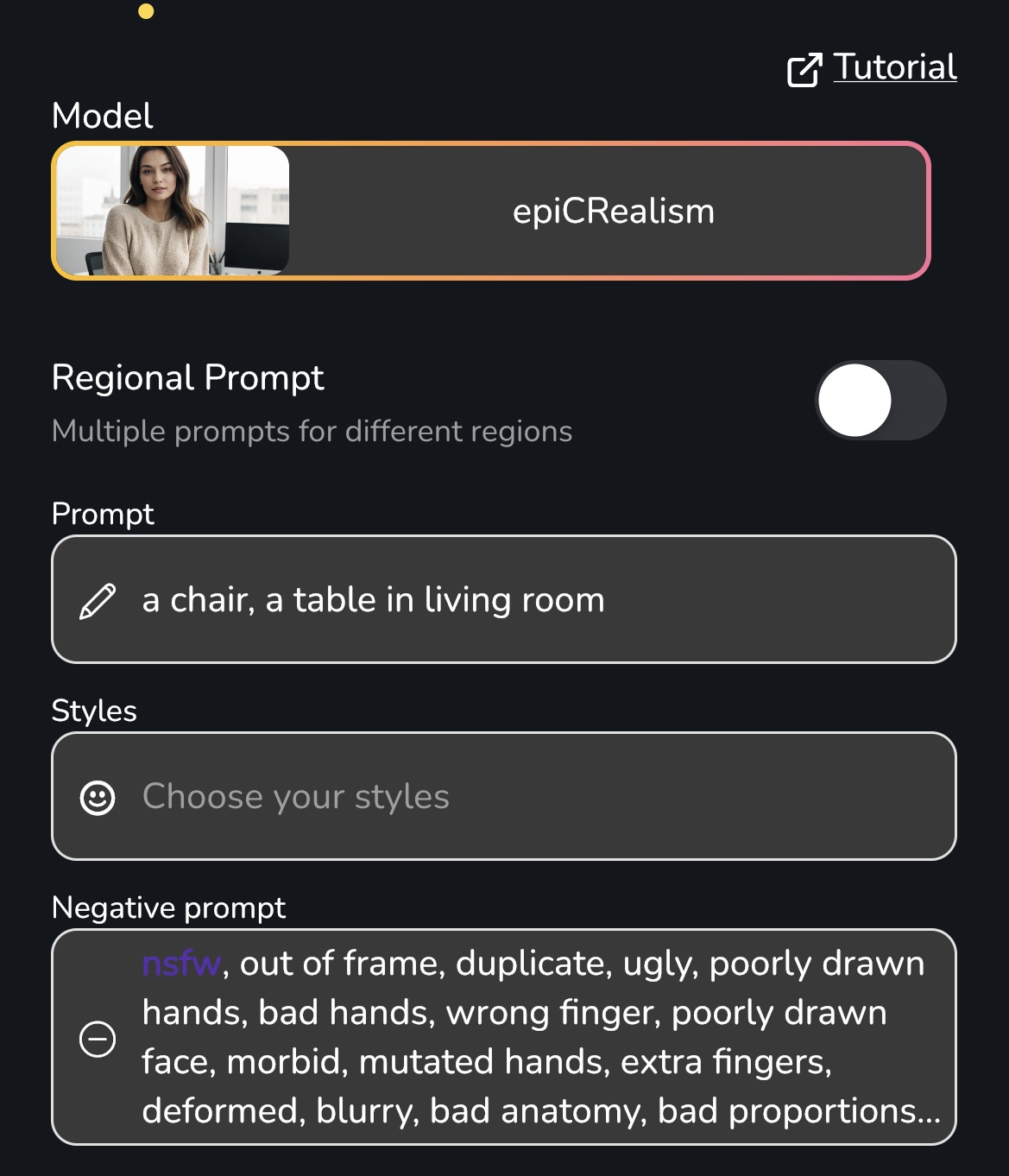
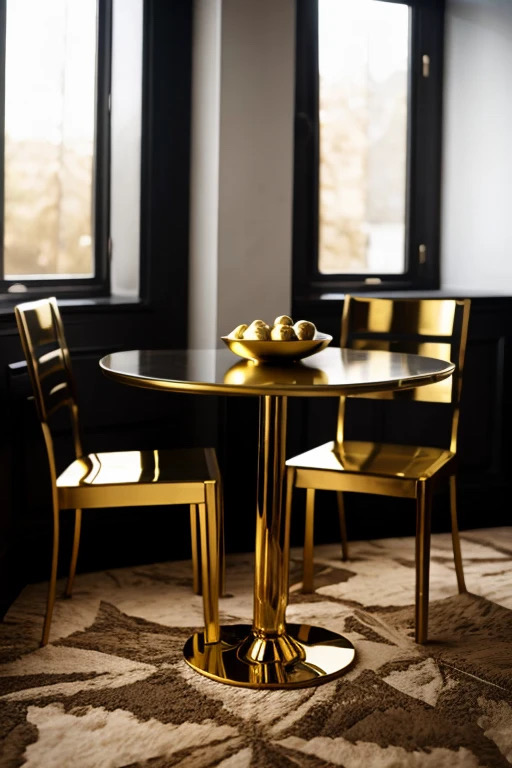
We would like to create an image featuring a golden chair and a golden table. To begin, we select a model and input a text prompt.
Let's observe how it looks without an image prompt.
a chair, a table in living room
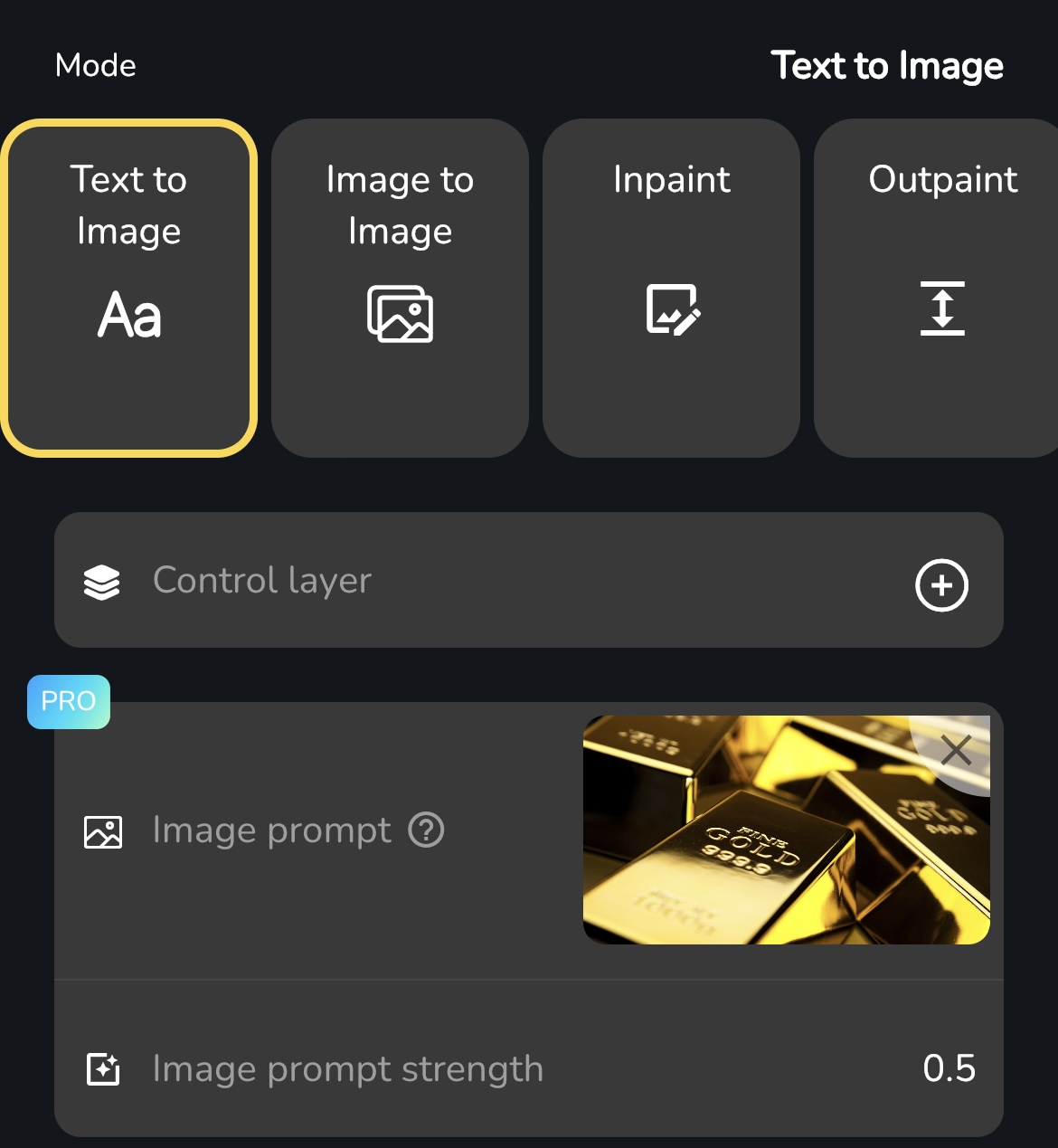
Next, we incorporate an image prompt into our generation process. We have discovered an image featuring gold that will serve as our prompt. In this instance, we only desire the gold color and texture, so we set the strength to 0.5 to prevent the AI from extracting the gold's shape.
Once more, we click the "Start drawing" button and see the final result. That's perfect.