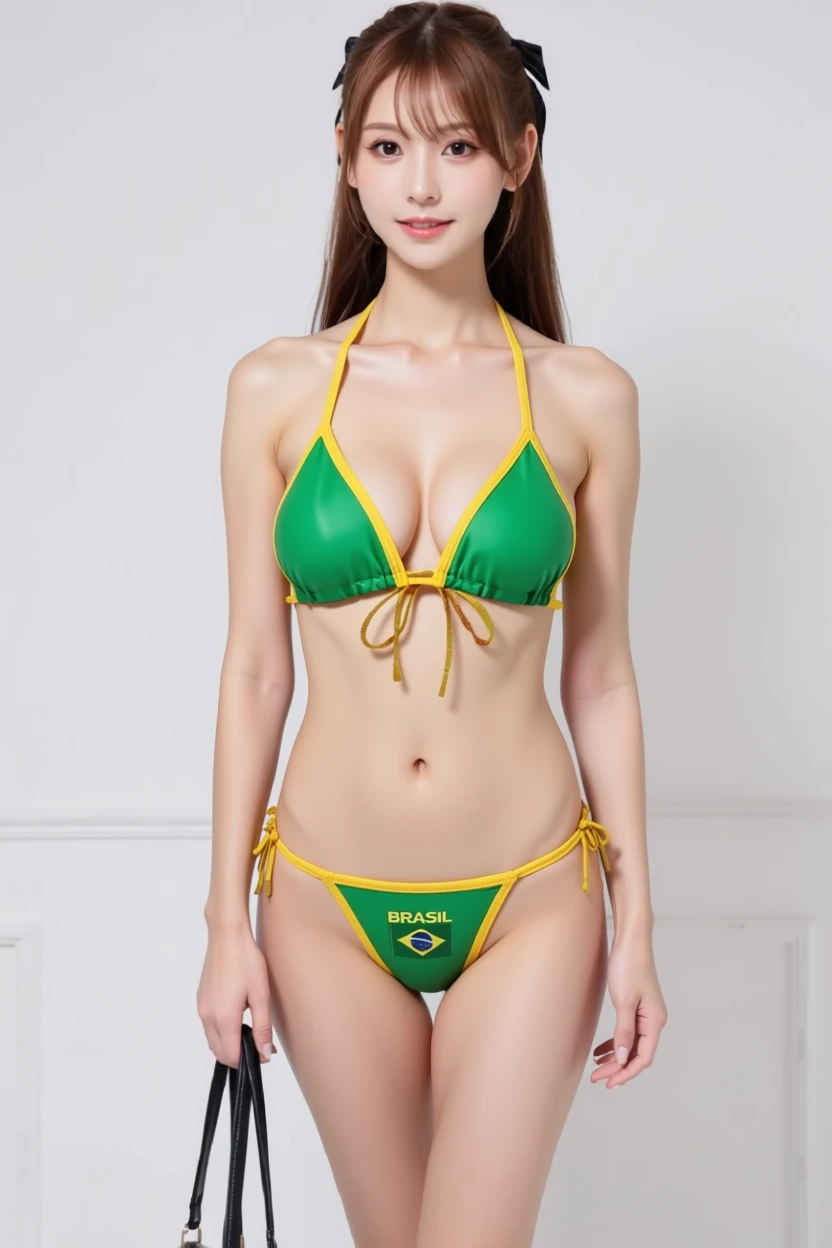
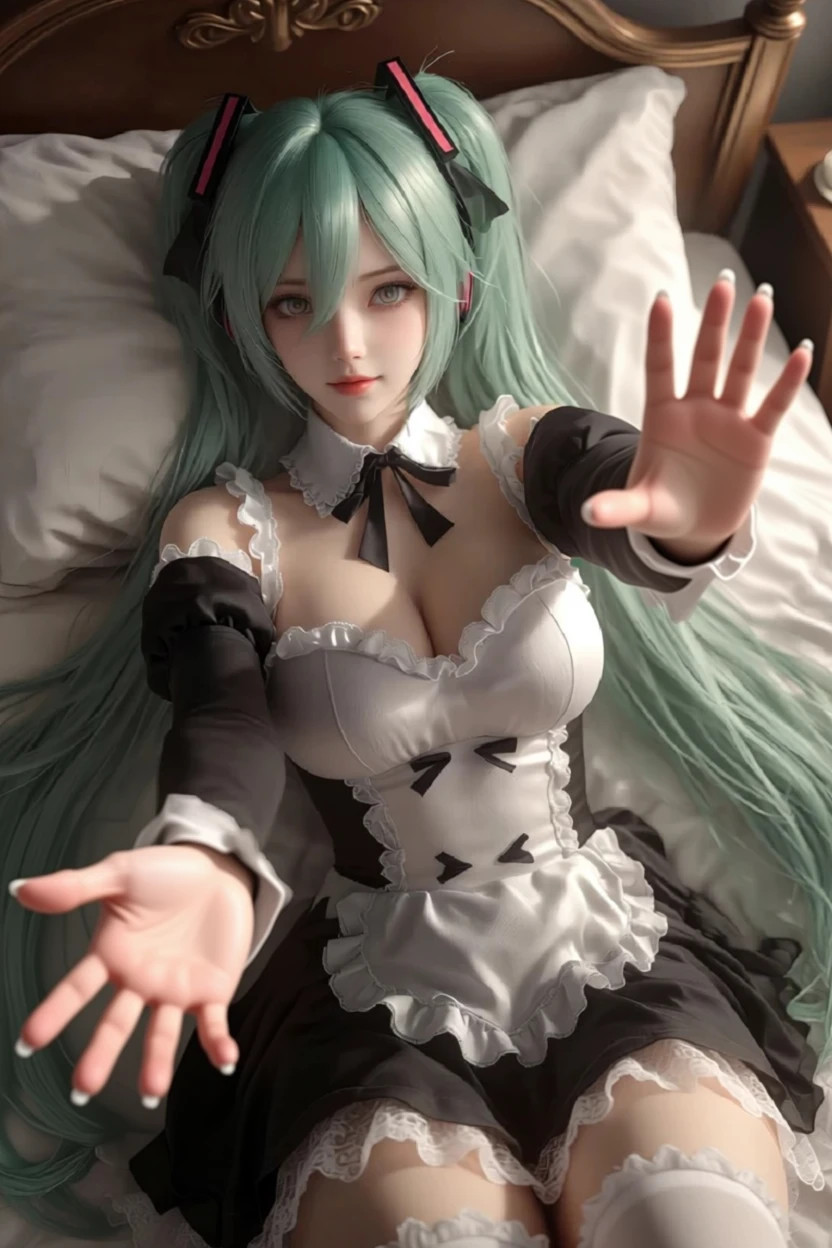

> For the complete documentation index, see [llms.txt](https://docs.dreamerland.ai/llms.txt). Markdown versions of documentation pages are available by appending `.md` to page URLs; this page is available as [Markdown](https://docs.dreamerland.ai/image/qwen-image-edit.md).

# Qwen Image Edit

Qwen Image Edit extends the capabilities of Qwen-Image into the realm of image editing.You no longer need to draw a mask to inpaint an image. Simply provide an instruction, and your image will be ready.

#### Key Features:

* **Semantic and Appearance Editing**: Offers both detailed visual edits—like adding, removing, or modifying specific elements while leaving other areas untouched—and broader semantic changes such as intellectual property creation, object rotation, and style transfer, ensuring semantic consistency even when pixels are altered.
* **Precise Text Editing**: Supports precise text manipulations in both Chinese and English, enabling direct text additions, deletions, and modifications while preserving the original font, size, and style of the image.

### Get start

<table data-view="cards"><thead><tr><th></th><th></th><th data-hidden data-card-target data-type="content-ref"></th><th data-hidden data-card-cover data-type="image">Cover image</th><th data-hidden data-type="content-ref"></th></tr></thead><tbody><tr><td>Single element</td><td>Edit 1 image with a prompt</td><td><a href="/pages/xn3jC0gNW9rsQKOCGLiM#how-it-works">/pages/xn3jC0gNW9rsQKOCGLiM#how-it-works</a></td><td><a href="/files/PeL7MwXrJctx1UatqsQz">/files/PeL7MwXrJctx1UatqsQz</a></td><td><a href="/pages/xn3jC0gNW9rsQKOCGLiM#how-it-works">/pages/xn3jC0gNW9rsQKOCGLiM#how-it-works</a></td></tr><tr><td>Multiple elements</td><td>Adding more than 1 image</td><td><a href="/pages/Wkx1zAmMu1o6RBDRABS4">/pages/Wkx1zAmMu1o6RBDRABS4</a></td><td><a href="/files/5cQe5dfmJFH3E4k9jjdA">/files/5cQe5dfmJFH3E4k9jjdA</a></td><td><a href="/pages/Wkx1zAmMu1o6RBDRABS4">/pages/Wkx1zAmMu1o6RBDRABS4</a></td></tr><tr><td>Blending elements</td><td>Placing elements on base image</td><td><a href="/pages/61XOkxnwbcyBc6m9fj7Y">/pages/61XOkxnwbcyBc6m9fj7Y</a></td><td><a href="/files/yVKNaB2rCqbpRbWZNcgM">/files/yVKNaB2rCqbpRbWZNcgM</a></td><td><a href="/pages/61XOkxnwbcyBc6m9fj7Y">/pages/61XOkxnwbcyBc6m9fj7Y</a></td></tr><tr><td>Generative fill</td><td>Fill the missing part</td><td><a href="/pages/LsCXdFyspSkOC4feVyiP">/pages/LsCXdFyspSkOC4feVyiP</a></td><td><a href="/files/iYWmJv4KMa8GGvi6SMzU">/files/iYWmJv4KMa8GGvi6SMzU</a></td><td></td></tr><tr><td></td><td></td><td></td><td></td><td></td></tr></tbody></table>

### How it works

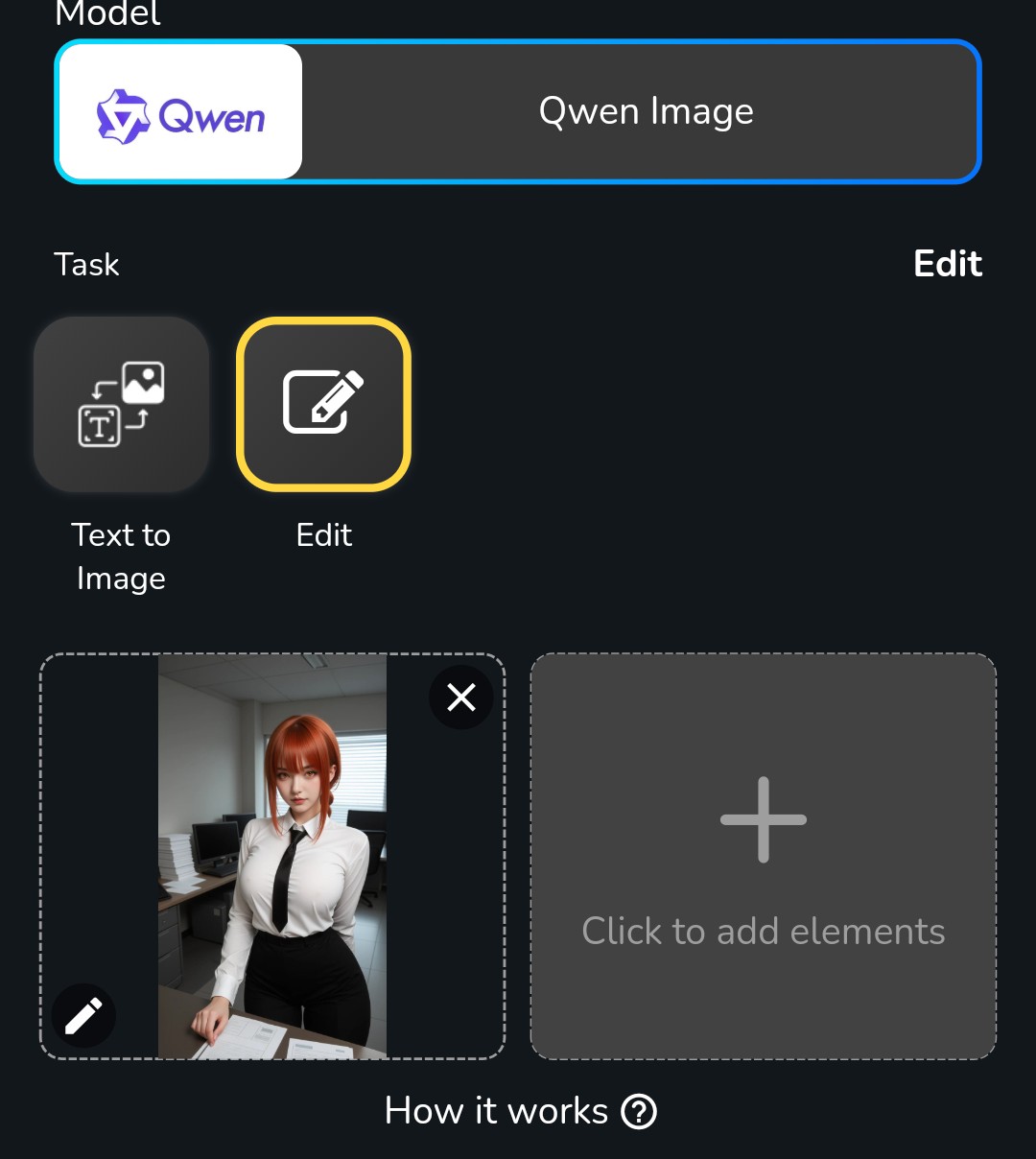
1. Upload a image that you want to edit
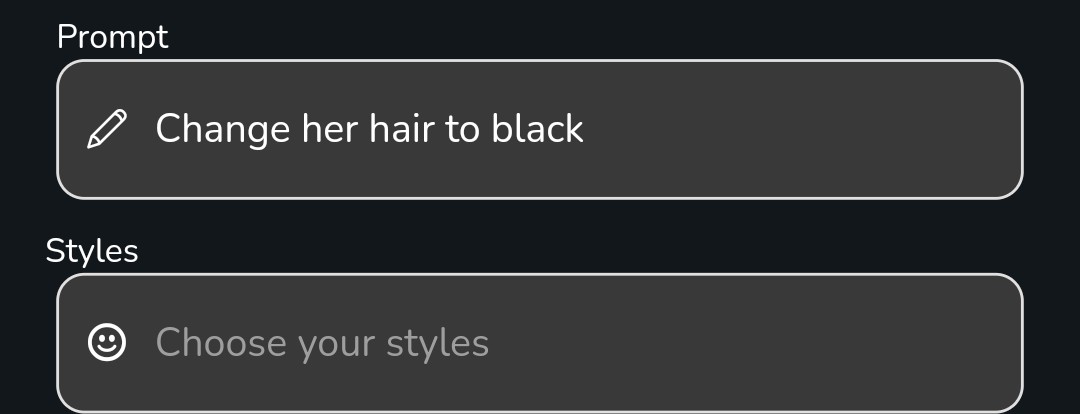
2. Enter a instruction prompt
3. Select styles (optional)
4. Wait for the output

Let's walk through an example:

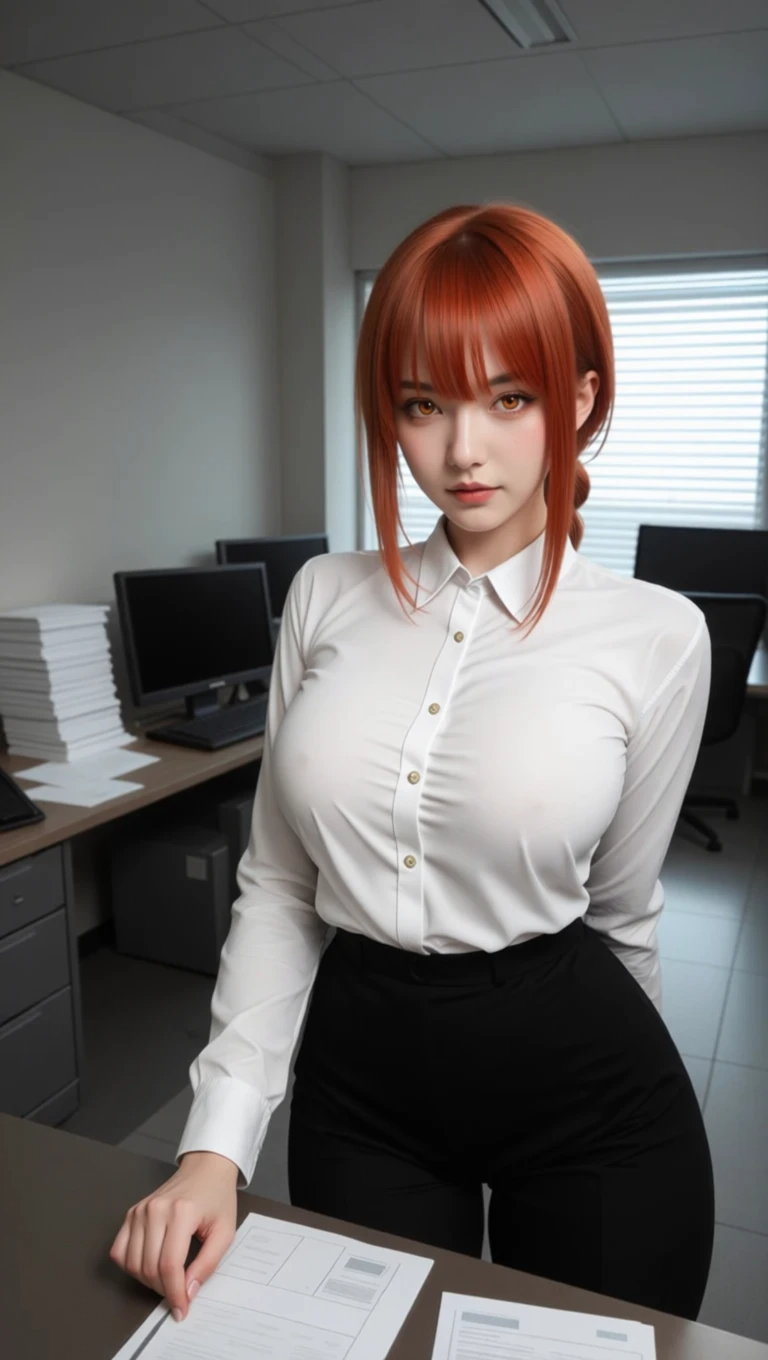
1. First we input this image for editing

<div><figure><img src="/files/3Dp9fDgSO0JdwThpqdq5" alt="" width="375"><figcaption></figcaption></figure> <figure><img src="/files/47ZTh5P68ha0Ta64ZUVo" alt="" width="375"><figcaption></figcaption></figure></div>

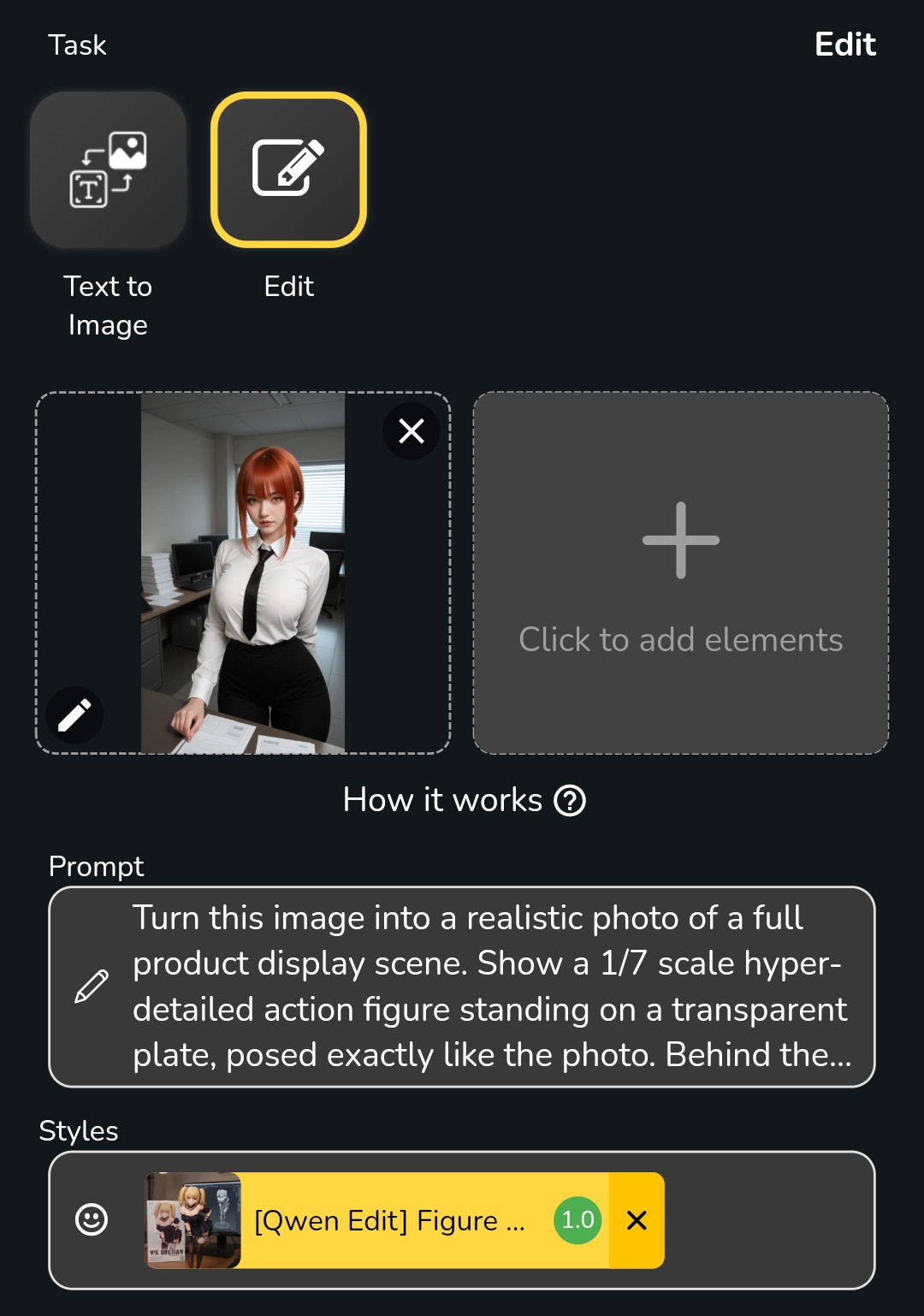
2. Type the prompt as instruction

<figure><img src="/files/z1Ots1YrooIw5rjnRKZJ" alt="" width="375"><figcaption></figcaption></figure>

Below are the results of different prompt

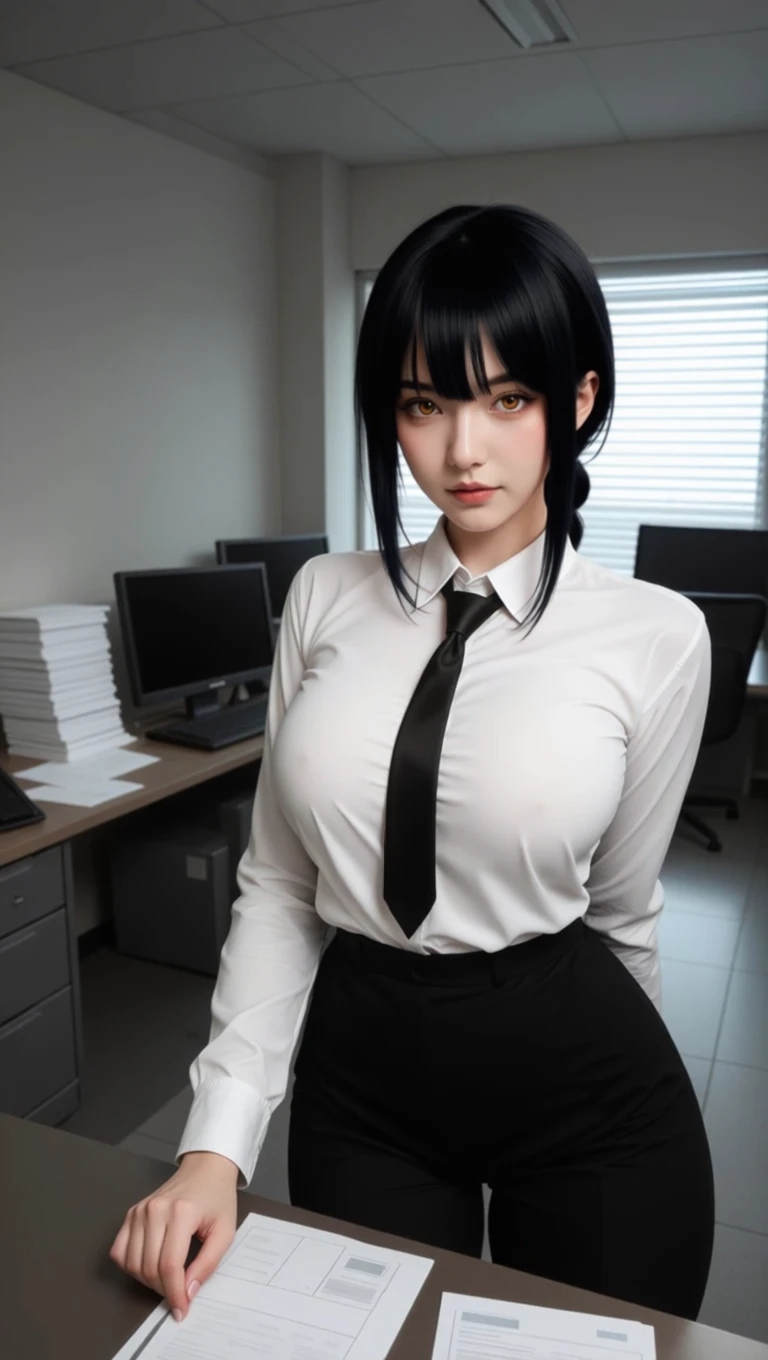
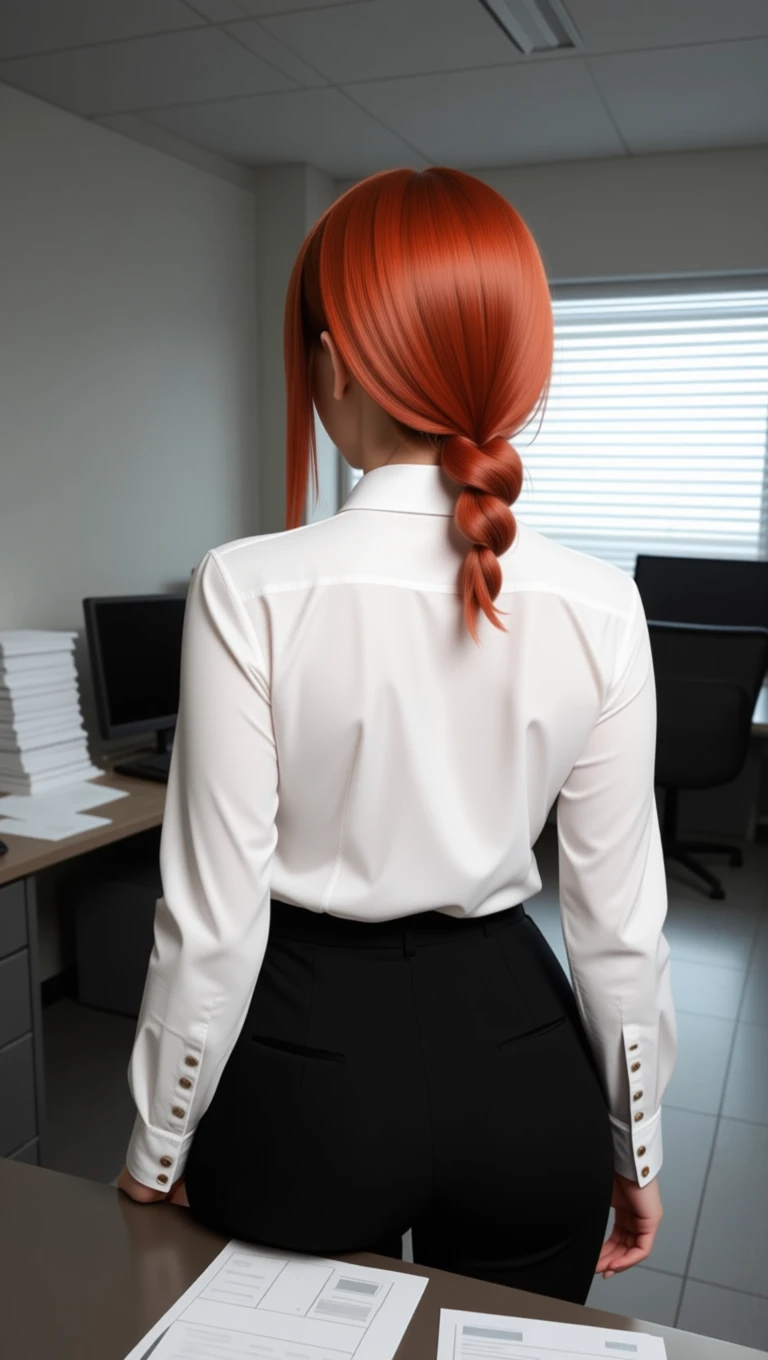
<div><figure><img src="/files/vGshcsC3nzxkDAIwY4gB" alt=""><figcaption><p>Change her hair to black</p></figcaption></figure> <figure><img src="/files/NQUoP42q0WfWQeTiBFKW" alt=""><figcaption><p>Remove her necktie</p></figcaption></figure> <figure><img src="/files/Tc7nuMFpDpOMlFLs2t0U" alt=""><figcaption><p>Turn to her back view</p></figcaption></figure></div>

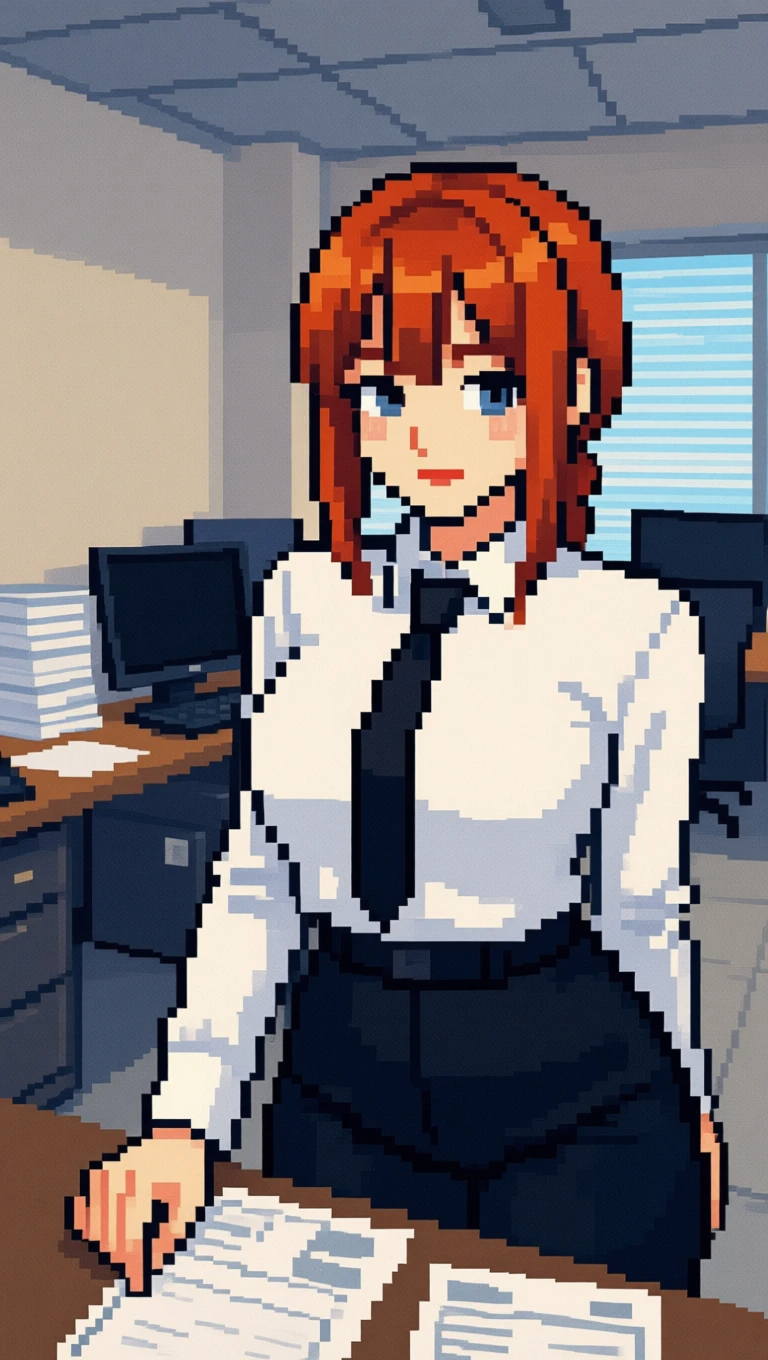
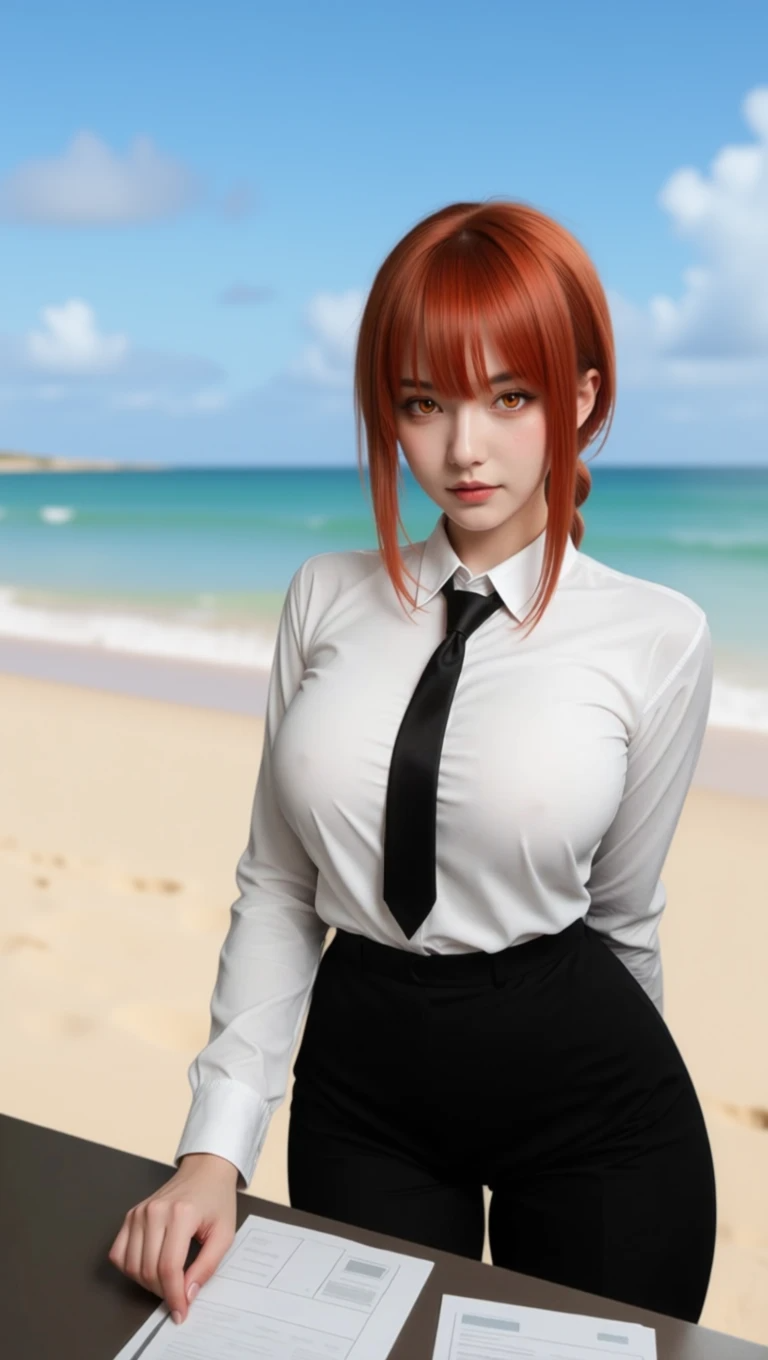
<div><figure><img src="/files/iWZs7tJBmcc5MS4GfRQC" alt="" width="375"><figcaption><p>Turn into 8bit pixel style</p></figcaption></figure> <figure><img src="/files/fVmooxsC9P3gcupAGTxW" alt="" width="375"><figcaption><p>Change the background to beach</p></figcaption></figure></div>

3. We can also select a community style for different concept

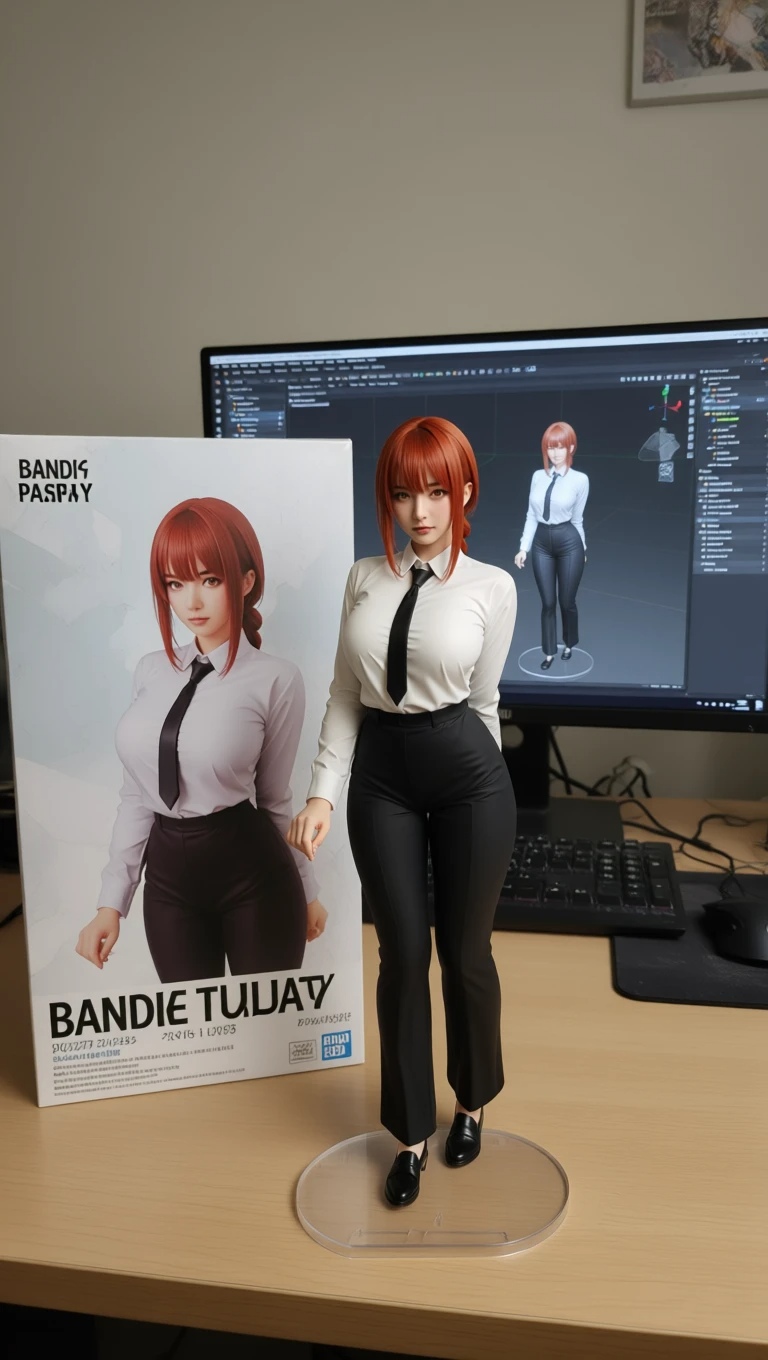
For example, we select the figure maker style. We used the default trigger prompt. Here is the result.&#x20;

<div><figure><img src="/files/VI4xIB6MD8TUkx0LbYCH" alt="" width="375"><figcaption></figcaption></figure> <figure><img src="/files/PeL7MwXrJctx1UatqsQz" alt="" width="375"><figcaption></figcaption></figure></div>

Editing an image has never been easier. The result is impressive.


---

# Agent Instructions
This documentation is published with GitBook. GitBook is the documentation platform designed so that both humans and AI agents can read, navigate, and reason over technical content effectively. Learn more at gitbook.com.

## Querying This Documentation
If you need additional information that is not directly available in this page, you can query the documentation dynamically by asking a question.

Perform an HTTP GET request on the current page URL with the `ask` query parameter:

```
GET https://docs.dreamerland.ai/image/qwen-image-edit.md?ask=<question>
```

The question should be specific, self-contained, and written in natural language.
The response will contain a direct answer to the question and relevant excerpts and sources from the documentation.

Use this mechanism when the answer is not explicitly present in the current page, you need clarification or additional context, or you want to retrieve related documentation sections.